How to Join paw's GDPS
1 Setting stuff up
Get Geode, then download the GDPS Switcher Mod for Geode.
2 Switch Server
Press this button in the main menu of Geometry Dash:
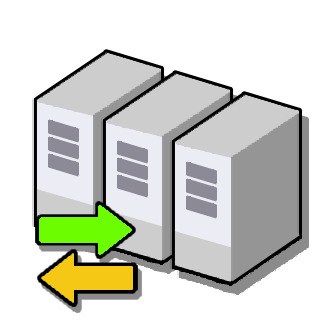
Once you are inside the switcher menu, follow these setup parameters:
- Click the purple "New" button in the bottom right corner.
- For Server Name, write whatever you want.
- For Server Link, input exactly: https://pawpatoesgdps.alwaysdata.net
- Keep the Save Name field completely empty.
- Click "Save", then click the green "Use" button next to the GDPS config.
And you're in!
Video Instructions (With GDPS switcher installed)
These are for search results btw, kinda like youtube tags lol
Features
- Geometry Dash Private Server
- Low Rate Standard Private Server
- Low Mod Standard Private Server
Website and GDPS designed by pawPatoes
GDPS Files generated using Cvolton's GMDprivateServer generator
Geometry dash belongs to Robtop
GDPS Files generated using Cvolton's GMDprivateServer generator
Geometry dash belongs to Robtop